DiagLink
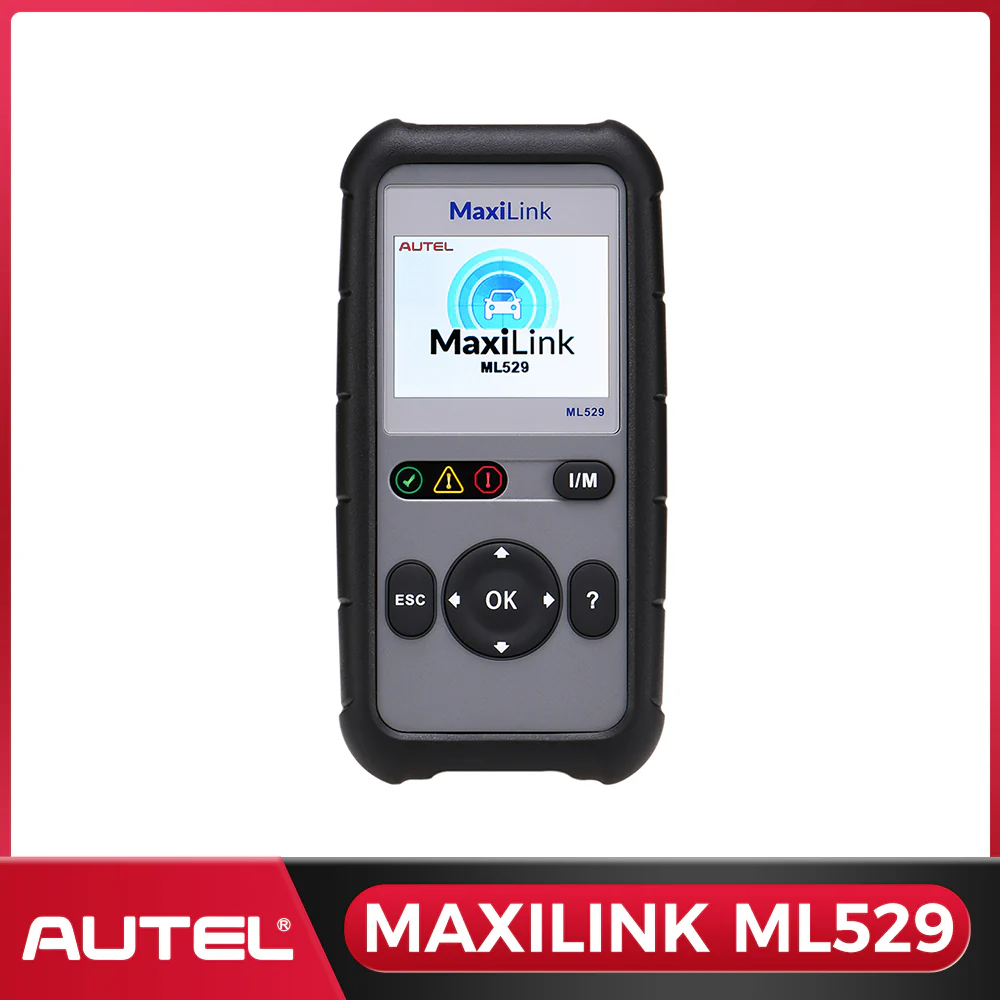
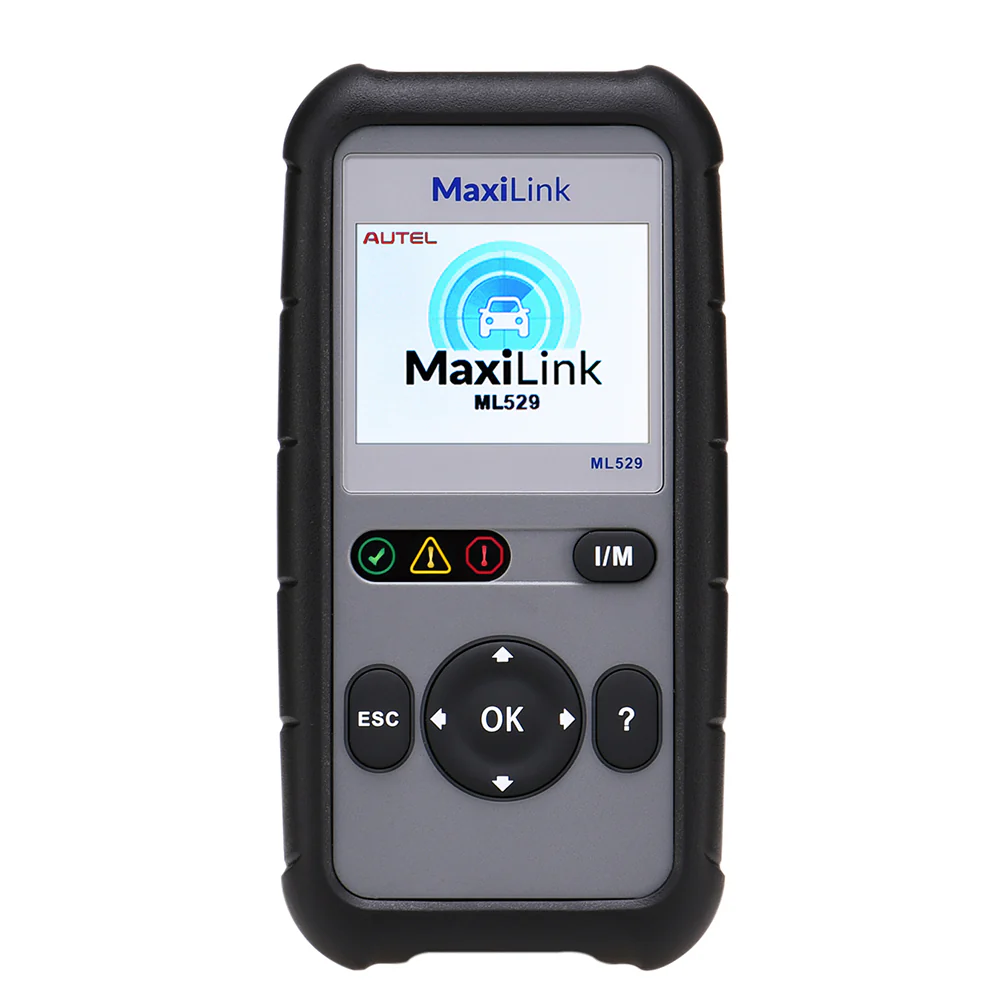
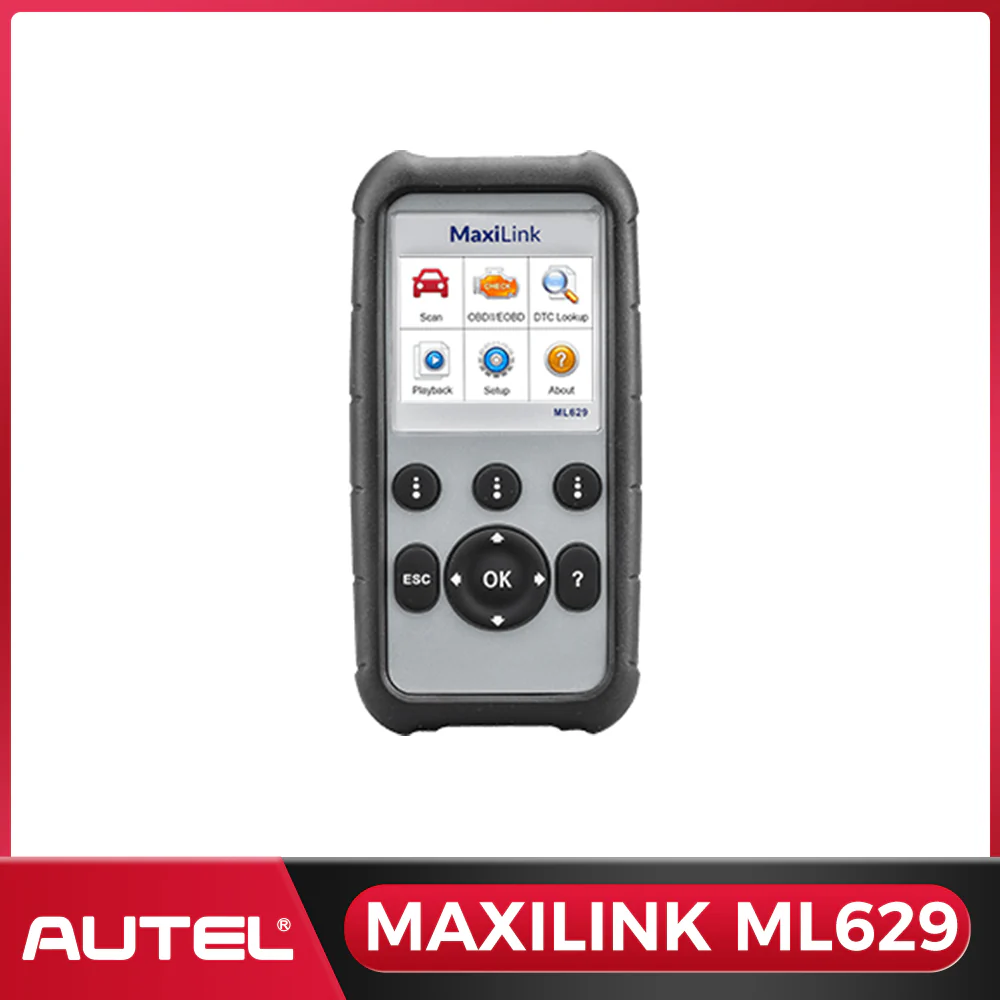
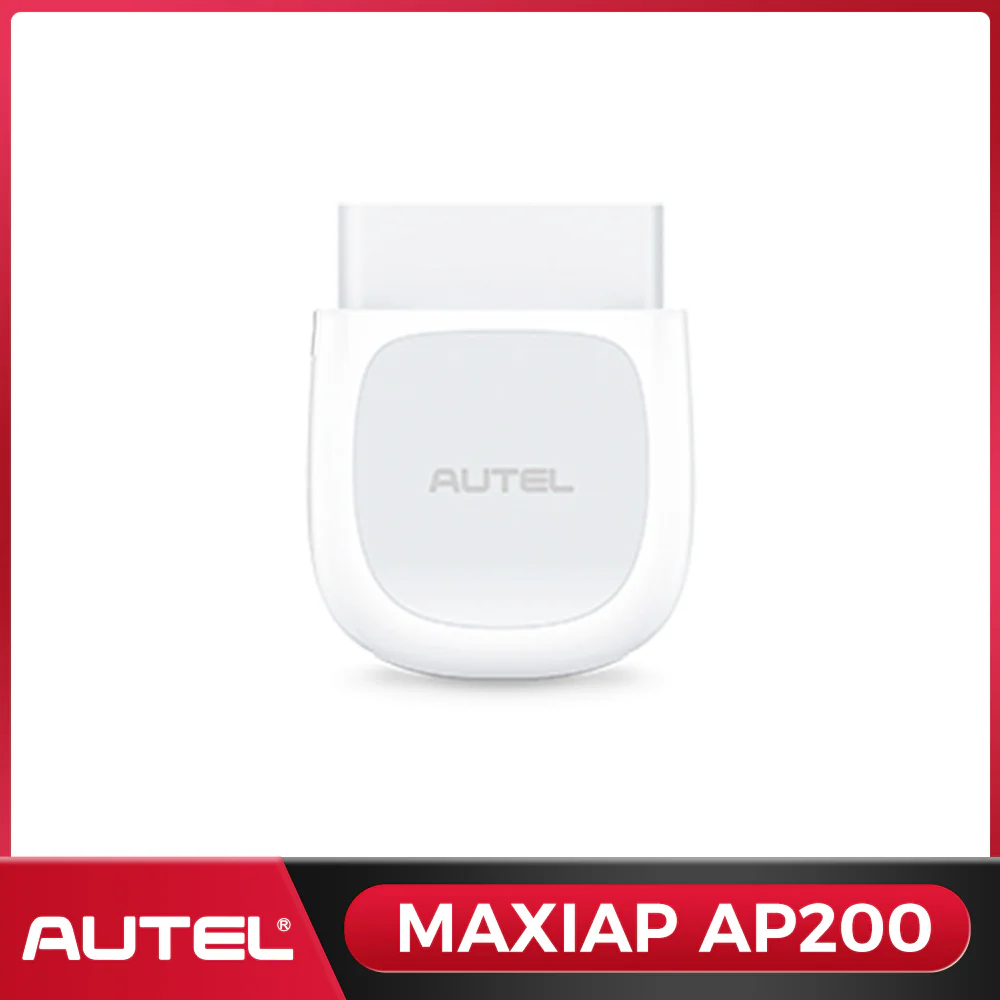
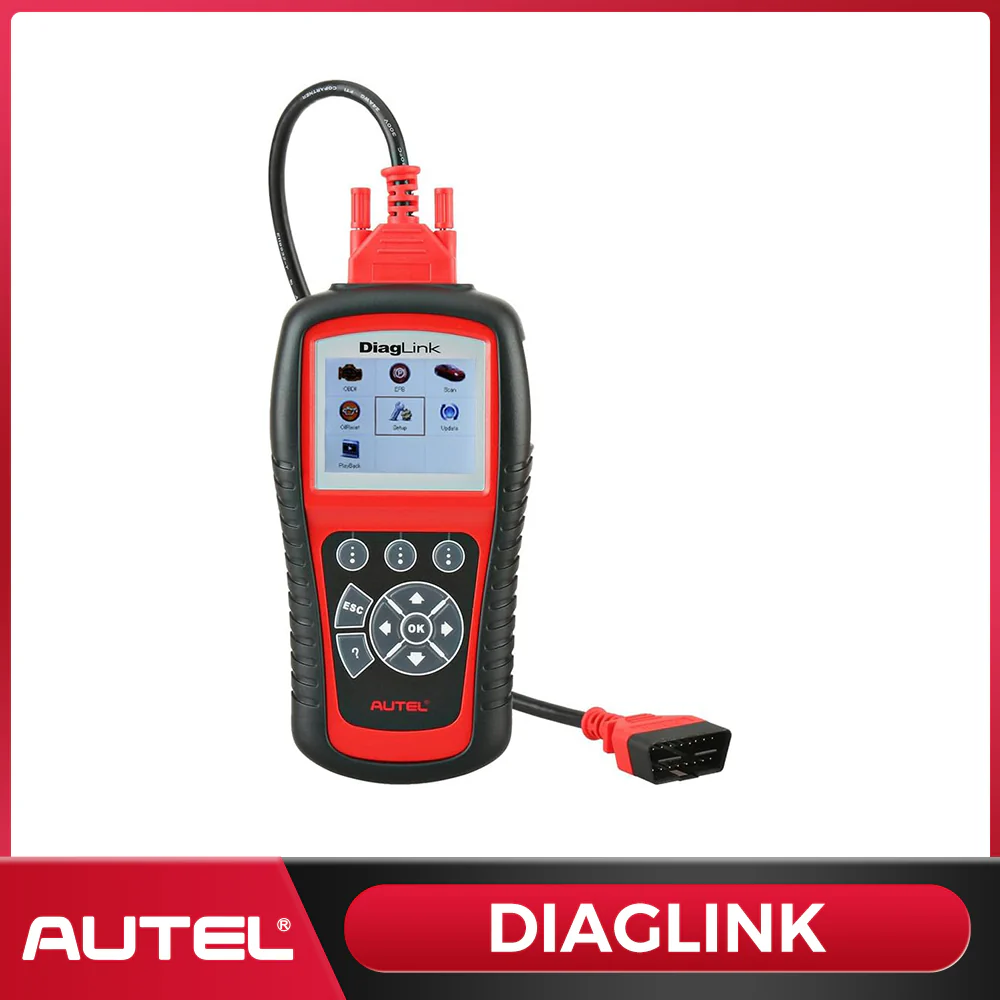
The Autel DiagLink is a professional-grade OBD2 scanner built for DIY enthusiasts and home mechanics. Get dealer-level all-system diagnostics, reset service lights, and read/clear fault codes — all at an affordable price. No subscription fees, no hidden costs.
Key Features at a Glance
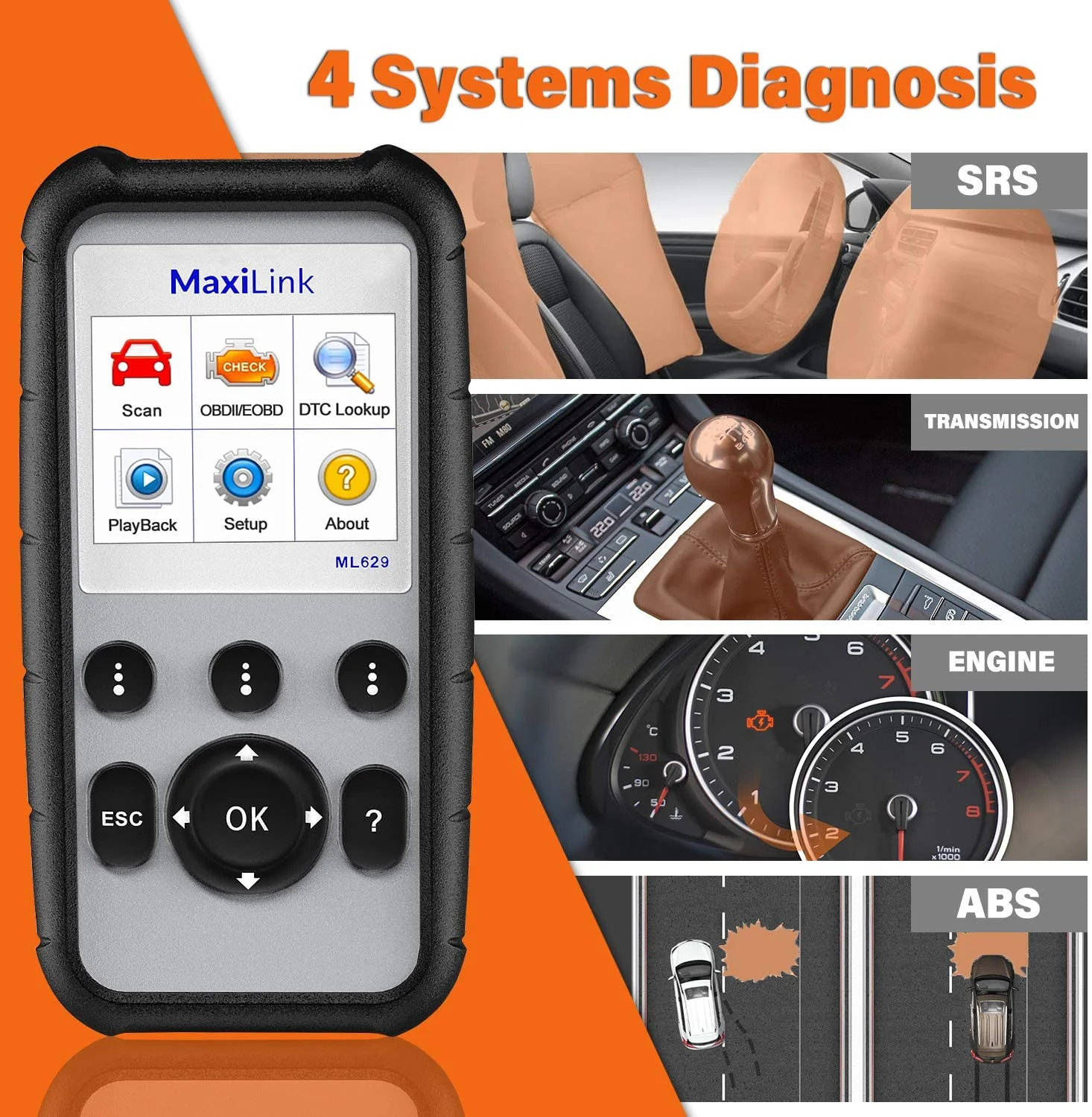
- Full all-system diagnostics: engine, transmission, ABS, SRS, and more
- 10 special reset functions, including Oil Reset & EPB Reset
- Complete OBD2/EOBD functions for check engine light diagnosis
- Wide vehicle coverage: 80+ US, European & Asian car brands

All-System Diagnosis — Go Beyond the Engine
- Diagnose every major vehicle system, not just the engine
- Read & clear DTCs across ABS, SRS, transmission, and body modules
- Live data stream for real-time monitoring of vehicle health

Oil Reset & EPB Reset — Service Functions Made Easy
- Reset the oil service light after every oil change
- Electronic Parking Brake (EPB) reset for safe brake pad replacement
- Additional service resets: TPMS, SAS, BMS, throttle, and more

Full OBD2 Functions — Complete Code Reader
- All 10 OBD2 test modes: I/M readiness, O2 sensor, EVAP, freeze frame & more
- Instantly identify check engine light causes and clear codes
- Compatible with all OBD2-compliant vehicles (1996 and newer)

Backed by Autel Support. Before purchasing, please check whether this product is compatible with your vehicle.
Step1:Enter the Autel Official Website
Enter the URL to access the Autel official website. Click on “Support” at the top of the page, and then click on the “Vehicle Coverage” to be redirected to the relevant page to find out if the Diaglink can be used on your vehicle
Step2:Enter the Necessary Information
Select the “Product Model”, “Vehicle Make”, “Vehicle Model”, and “Year” in the drop-down box and click on SEARCH, and then you can look up the relevant functions in different systems.
Step3:Autel'Support
In addition to checking the availability through the Autel website, you can also contact our tech support directly via email or QA. We are available 24/7 to answer your questions.


Update Procedure
1. Connect your Diaglink to your PC, Diaglink will boot up. Select Update and press OK to get in.
Note: You can connect DiagLink to your PC via USB cable or use a card reader/adapter to load the SD card to update your device.
2. Run the Maxi PC Suite, and it will automatically recognize the device and show you updating windows.
Note: You can get one piece of FREE manufacturer software at the initial time.
If you need other vehicle brands software, you need to purchase it separately. Each piece of vehicle software costs 10 USD.
3. Diaglink provides free service and OBDII software. Click Update to download it
4. Click Free to download the vehicle software you need.
5. Click Installed, you can check what software you have installed in your device.
If you want to download another car make, please click Purchase; it will guide you to purchase it from the Autel website.
Note: Before purchasing, please download the first free software via PC suite, otherwise you will lose access to the free vehicle software.

- Free lifetime software updates to stay current with new vehicle models
- Dedicated Autel technical support team available when you need help
- Trusted by professional technicians and DIY car owners worldwide
Stop guessing. Start diagnosing. The Autel DiagLink gives you the power of a professional scan tool at a fraction of the cost — perfect for any DIY car diagnostic job.
The Autel DiagLink is a professional-grade OBD2 scanner built for DIY enthusiasts and home mechanics. Get dealer-level all-system diagnostics, reset service lights, and read/clear fault codes — all at an affordable price. No subscription fees, no hidden costs.
Key Features at a Glance
- Full all-system diagnostics: engine, transmission, ABS, SRS, and more
- 10 special reset functions, including Oil Reset & EPB Reset
- Complete OBD2/EOBD functions for check engine light diagnosis
- Wide vehicle coverage: 80+ US, European & Asian car brands
All-System Diagnosis — Go Beyond the Engine
- Diagnose every major vehicle system, not just the engine
- Read & clear DTCs across ABS, SRS, transmission, and body modules
- Live data stream for real-time monitoring of vehicle health
Oil Reset & EPB Reset — Service Functions Made Easy
- Reset the oil service light after every oil change
- Electronic Parking Brake (EPB) reset for safe brake pad replacement
- Additional service resets: TPMS, SAS, BMS, throttle, and more
Full OBD2 Functions — Complete Code Reader
- All 10 OBD2 test modes: I/M readiness, O2 sensor, EVAP, freeze frame & more
- Instantly identify check engine light causes and clear codes
- Compatible with all OBD2-compliant vehicles (1996 and newer)
Backed by Autel Support. Before purchasing, please check whether this product is compatible with your vehicle.
Step1:Enter the Autel Official Website
Enter the URL to access the Autel official website. Click on “Support” at the top of the page, and then click on the “Vehicle Coverage” to be redirected to the relevant page to find out if the Diaglink can be used on your vehicle
Step2:Enter the Necessary Information
Select the “Product Model”, “Vehicle Make”, “Vehicle Model”, and “Year” in the drop-down box and click on SEARCH, and then you can look up the relevant functions in different systems.
Step3:Autel'Support
In addition to checking the availability through the Autel website, you can also contact our tech support directly via email or QA. We are available 24/7 to answer your questions.
Update Procedure
1. Connect your Diaglink to your PC, Diaglink will boot up. Select Update and press OK to get in.
Note: You can connect DiagLink to your PC via USB cable or use a card reader/adapter to load the SD card to update your device.
2. Run the Maxi PC Suite, and it will automatically recognize the device and show you updating windows.
Note: You can get one piece of FREE manufacturer software at the initial time.
If you need other vehicle brands software, you need to purchase it separately. Each piece of vehicle software costs 10 USD.
3. Diaglink provides free service and OBDII software. Click Update to download it
4. Click Free to download the vehicle software you need.
5. Click Installed, you can check what software you have installed in your device.
If you want to download another car make, please click Purchase; it will guide you to purchase it from the Autel website.
Note: Before purchasing, please download the first free software via PC suite, otherwise you will lose access to the free vehicle software.
- Free lifetime software updates to stay current with new vehicle models
- Dedicated Autel technical support team available when you need help
- Trusted by professional technicians and DIY car owners worldwide
Stop guessing. Start diagnosing. The Autel DiagLink gives you the power of a professional scan tool at a fraction of the cost — perfect for any DIY car diagnostic job.
Original: $79.00
-65%$79.00
$27.65Description
The Autel DiagLink is a professional-grade OBD2 scanner built for DIY enthusiasts and home mechanics. Get dealer-level all-system diagnostics, reset service lights, and read/clear fault codes — all at an affordable price. No subscription fees, no hidden costs.
Key Features at a Glance
- Full all-system diagnostics: engine, transmission, ABS, SRS, and more
- 10 special reset functions, including Oil Reset & EPB Reset
- Complete OBD2/EOBD functions for check engine light diagnosis
- Wide vehicle coverage: 80+ US, European & Asian car brands
All-System Diagnosis — Go Beyond the Engine
- Diagnose every major vehicle system, not just the engine
- Read & clear DTCs across ABS, SRS, transmission, and body modules
- Live data stream for real-time monitoring of vehicle health
Oil Reset & EPB Reset — Service Functions Made Easy
- Reset the oil service light after every oil change
- Electronic Parking Brake (EPB) reset for safe brake pad replacement
- Additional service resets: TPMS, SAS, BMS, throttle, and more
Full OBD2 Functions — Complete Code Reader
- All 10 OBD2 test modes: I/M readiness, O2 sensor, EVAP, freeze frame & more
- Instantly identify check engine light causes and clear codes
- Compatible with all OBD2-compliant vehicles (1996 and newer)
Backed by Autel Support. Before purchasing, please check whether this product is compatible with your vehicle.
Step1:Enter the Autel Official Website
Enter the URL to access the Autel official website. Click on “Support” at the top of the page, and then click on the “Vehicle Coverage” to be redirected to the relevant page to find out if the Diaglink can be used on your vehicle
Step2:Enter the Necessary Information
Select the “Product Model”, “Vehicle Make”, “Vehicle Model”, and “Year” in the drop-down box and click on SEARCH, and then you can look up the relevant functions in different systems.
Step3:Autel'Support
In addition to checking the availability through the Autel website, you can also contact our tech support directly via email or QA. We are available 24/7 to answer your questions.
Update Procedure
1. Connect your Diaglink to your PC, Diaglink will boot up. Select Update and press OK to get in.
Note: You can connect DiagLink to your PC via USB cable or use a card reader/adapter to load the SD card to update your device.
2. Run the Maxi PC Suite, and it will automatically recognize the device and show you updating windows.
Note: You can get one piece of FREE manufacturer software at the initial time.
If you need other vehicle brands software, you need to purchase it separately. Each piece of vehicle software costs 10 USD.
3. Diaglink provides free service and OBDII software. Click Update to download it
4. Click Free to download the vehicle software you need.
5. Click Installed, you can check what software you have installed in your device.
If you want to download another car make, please click Purchase; it will guide you to purchase it from the Autel website.
Note: Before purchasing, please download the first free software via PC suite, otherwise you will lose access to the free vehicle software.
- Free lifetime software updates to stay current with new vehicle models
- Dedicated Autel technical support team available when you need help
- Trusted by professional technicians and DIY car owners worldwide
Stop guessing. Start diagnosing. The Autel DiagLink gives you the power of a professional scan tool at a fraction of the cost — perfect for any DIY car diagnostic job.